What is the Minimum Requirement of Devices to Record Music?

Setting up a home recording studio can be quite exciting, but knowing where to start with the right equipment is key to professional-sounding results. In this course, you’ll learn just that: if you’re just starting and want to know about the minimum requirement devices to record music. This tutorial will cover the bare essentials you’ll need to start recording music, even on a shoestring budget. From here forward, we’re going to discuss each device needed and what their purposes are, including why each one is important in capturing quality audio.
1. Computer
The most crucial element of any home recording studio is utilizing a reliable computer. Most music recordings today rely on digital audio workstations, and such applications require a computer with the capacity for high processing and large memory.
- Minimum Requirements: Your computer should have at least an Intel i5 or AMD equivalent processor; 8GB of RAM, with at least 500GB of storage, is recommended. It would be great if the OS supports your DAW. Common OS preferred for production include macOS and Windows 10/11.
- Why It’s Needed: The computer hosts your DAW, stores your recordings, and allows you to seamlessly edit, mix, and master tracks.
2. DAW (Digital Audio Workstation)
A DAW is a type of software you’ll use to record, edit, and produce music. There are many different DAW options available, each with different features and abilities.
- Popular DAWs: Most start off using free or inexpensive DAWs like Audacity and GarageBand. FL Studio, Ableton Live, and Pro Tools are higher-end options that can do advanced editing and effecting.
- Minimum Requirements: Make sure the DAW you choose is compatible with your computer’s OS and also that it has enough processing power to run the DAW. Whereas some DAWs require a higher order of specifications, generally, a simple DAW would work fine on a low-order specification.
- Why It’s Needed: You will need a DAW to record because this is where all the management of audio tracks, instrument layering, and adding effects will be done.
3. Audio Interface
The audio interface is the bridge between your instruments, microphone, and computer. It converts analog signals-that is, vocals or guitar-into digital signals so you can record them into your DAW.
- Beginner Options: Behringer UMC22, M-Audio M-Track Duo, or AI-04 2×2 Audio Interface are high-quality, affordable interfaces for basic functionality if you are a beginner. At the least, find yourself an interface with a minimum of two inputs, to let yourself be more flexible, recording vocals and instruments at the same time.
- Why It’s Needed: An audio interface has an important function since it will handle input and output sound quality in order to capture clear and high-quality audio.
4. Microphone
To record the vocals or any other acoustic instrument, a microphone is used. According to what type of music you are going to make, different types of microphones will be needed.
Types of Microphone:
- Condenser Microphones: These are ideal for studio settings and allow the sensitivity to capture even the minute details in sound, making them perfect for vocals and acoustic instruments.
- Dynamic Microphones: Inversely, dynamic mics are better suited to loud sources such as guitar amps or drums. This makes them more durable and less sensitive to background noise.
- Low Budget Options: A good, low-budget option for beginners might be the MAONO USB Microphone 192KHZ/24Bit, FIFINE Studio Condenser USB Microphone-as nice, condenser options-or a dynamic Behringer XM8500 for great sound without breaking the bank.
- Why It’s Needed: Good-quality microphones record music in a fine and minute detail of vocals or instrumental sounds and therefore give quality to the audio.
5. Headphones
A good pair of headphones is also essential for monitoring your recording and listening through for edits to be made to the music. As helpful as speakers can be, headphones give you a more critical way to listen and enable you to pick up minor mistakes that you may otherwise miss.
Types of Headphones:
- Closed-back Headphones: Excellent for recording, as they block sound from leaking into the microphone.
- Open-back Headphones: Good for mixing because of the natural sound it produces; however, it leaks audio, hence not recommended for recording.
- Recommended Options: The Audio-Technica ATH-M40x or Sony MDR-7506, for instance, is an economical solution which renders clarity and good durability.
- Why It’s Needed: Headphones help to isolate the sound to make sure you get an accurate listen of each layer of your track as you record music.
6. Studio Monitors
Although the headphones will do much of the work, studio monitors are highly recommended if you ever want to mix and master music efficiently. One major reason that studio monitors are so important is that they offer a flat frequency response; this means it doesn’t color the sound so that you can hear your music as accurately as possible.
- Minimum Requirements: The preferred studio monitors for small home studios would be the KRK Rokit 5 or Yamaha HS5 since these monitors have clear sound and aren’t huge.
- Why It’s Needed: Studio monitors help in creating a balanced mix, which is important in order to produce music that is of high quality.
7. Pop Filter
A pop filter is an affordable yet highly worth-it accessory when it comes to vocal recording; it cuts down on plosives, such as “P” and “B” sounds that blow out your recordings.
Why It’s Needed: Pop filters allow clear vocal recording, stopping unwanted noise and keeping your audio quality even.
8. Cables and Accessories
Invest in good cables and stands; this pays off because they hold everything else up, quite literally. Cheaper cables cause noise interference, which degrades your recording quality, so spend a bit more money on durable, well-shielded cables.
Accessories
- XLR Cables: These are the cables that you will be using to connect microphones into your audio interface.
- Stands: A microphone stand is important in keeping your setup firm and reducing handling noises.
Why It’s Needed: Accessories ensure that your equipment functions right, eliminating most of the problems that might interfere with recording sessions.
9. MIDI Controller (Optional)
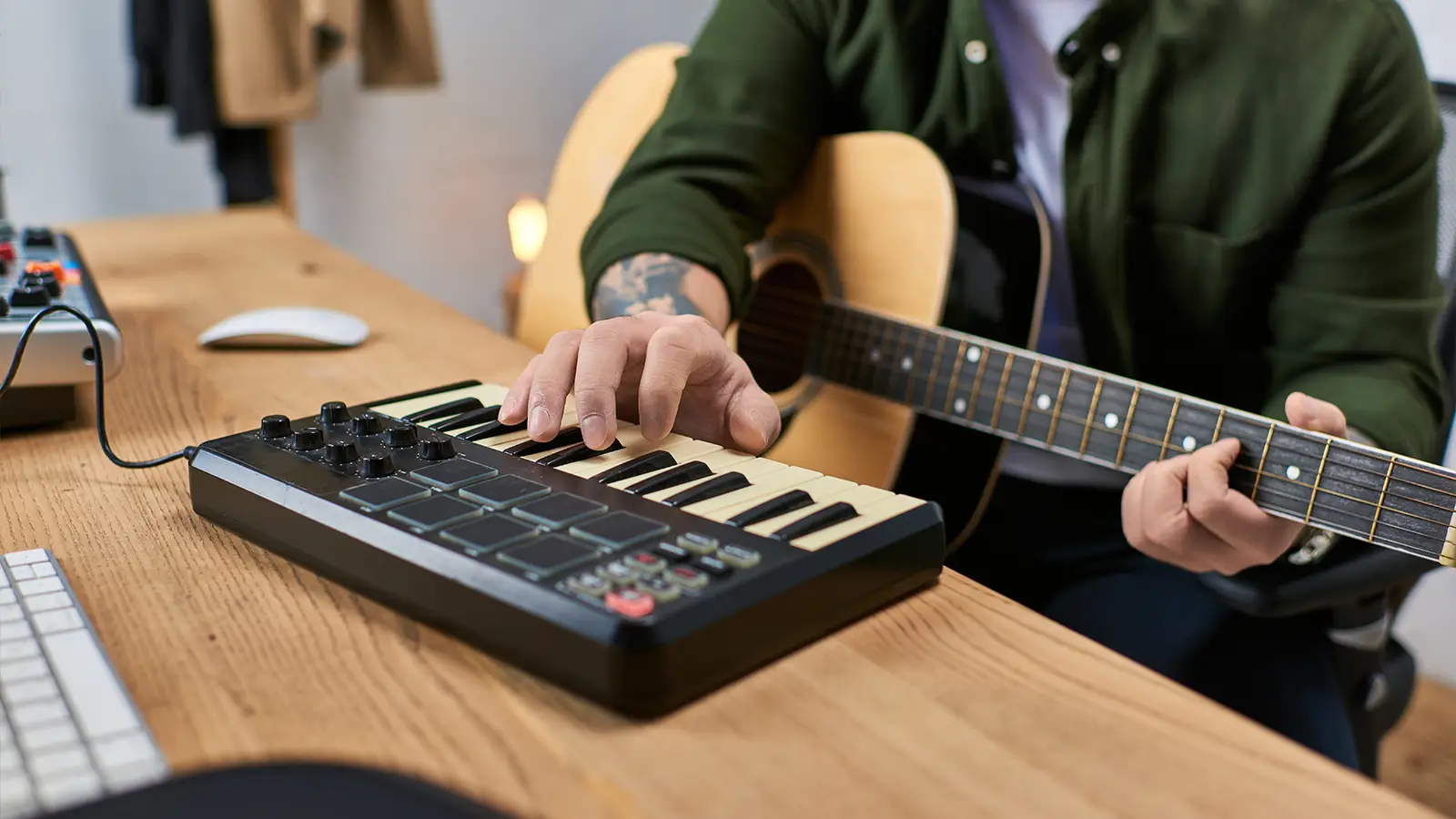
Not really necessary, but a nice addition if you choose to use digital instruments or any effects during the recording process. With the MIDI controller, you can play, program, and control virtual instruments within your DAW.
Why It’s Needed: A MIDI controller brings variation to your work. It allows the creation of beats, synths, and other virtual sounds that complement the recorded audio.
10. External Storage
Recording music means big audio files, and these will fill up your computer storage in no time. One is recommended to have an external hard drive or SSD with a capacity of at least 1TB to keep one’s music projects safe and organized.
Why It’s Needed: Particularly, extended memory will enable you to efficiently organize your files and not run out of space when working on big projects.
Conclusion
The bare essentials for recording music include a powerful-enough computer, DAW, audio interface, microphone, headphones, and other basic peripherals like cables and pop filters. Second-monitor systems, MIDI controllers, and external storage are also highly desirable, the longer you get into recording music. With these core elements, you shall be well set to make quality recordings from the comfort of your own home.
By investing in these essentials, you will have a well-rounded home studio setup that will suit recording, editing, and the eventual production of your music well, while giving you a very solid base to improve your skills and explore your creativity more. Regardless of whether you are a singer-songwriter, podcaster, or aspiring producer, having the right equipment is quite significant to help capture high-quality audio.
Read also: How Practicing Mindfulness Can Enhance Your Physical and Mental Well-being